


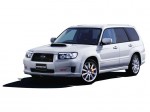
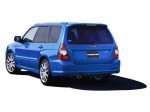
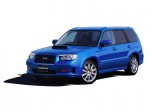
Subaru Forester STI (2005)
Subaru Forester / Gallery / Subaru Forester STI (2005)
|
|
|

|

|

|
See also:
Front seats
WARNING
● Never adjust the seat while driving to avoid the possibility of loss of vehicle
control and of personal injury.
● Before adjusting the seat, make sure the hands and feet of r ...
Battery drainage prevention function
If a door or the rear gate (5-door) is not completely closed, the interior lights will remain illuminated as a result. However, several lights are automatically turned off by the battery drainage prev ...
ECO gauge
1) U.S.-spec. models
2) Except U.S.-spec. models
The ECO gauge shows the difference between the average rate of fuel consumption
and the current rate of fuel consumption. Using the average rate ...