


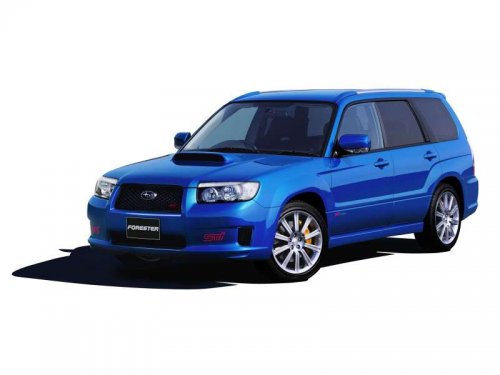
Subaru Forester
Subaru Forester
See also:
With radio mode selected
Press the “” button or “”
button. The radio will seek the next receivable station and stop on it. That station’s frequency will be shown on the audio display. ...
To open and close the trunk lid from outside
The trunk lid can be opened using the remote keyless entry system. Refer to “Opening
the trunk lid (Legacy)” F2-9.
To close the trunk lid, lightly press the trunk lid down until the latch engages.
...
To decrease the speed (by the “RES/SET” switch)
Press the “RES/SET” switch to the “SET” side and hold it until the vehicle reaches
the desired speed. Then, release the switch. The vehicle speed at that moment will
be memorized and treated as ...