


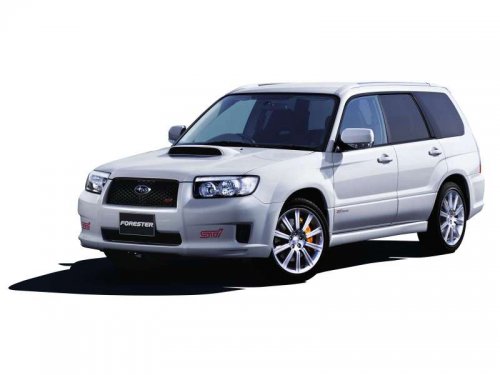
Subaru Forester
Subaru Forester
See also:
To enter the passive mode
If you wish to program the passive arming mode, have it done by your SUBARU dealer. ...
Type A, B and C audio
If the PS (Program Service Name) and/or
RT (Radio Text) are available, pressing
the “TEXT” button changes the display
among PS, RT and frequency. The default
setting is “PS”.
NOTE
- The max ...
For U.S.A.
The following information has been
compiled according to Code of
Federal Regulations “Title 49, Part
575”. ...