


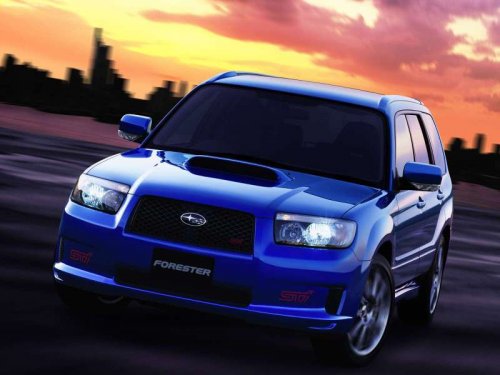
Subaru Forester
Subaru Forester
See also:
How to insert a CD (type A, C and D)
Hold a disc with a finger in the center hole
while gripping the edge of the disc, then
insert it in to the slot (with the label side
up) and the player will automatically pull
the disc into po ...
Electronic parking brake
1) Parking brake switch
2) Hill Holder switch
3) Indicator light
WARNING
● Before exiting the vehicle, make sure that you turn off the engine. Otherwise,
the parking brake may be release ...
Operating the driver’s window
1) Automatically open/close
2) Open/close
To open:
Press the switch down lightly and hold it. The window will open as long as the
switch is held.
This switch also has a one-touch auto down fun ...