


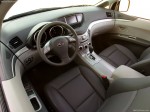
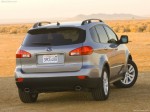
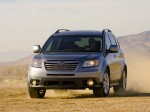
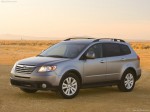
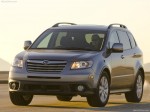
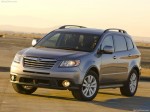
Subaru Tribeca (2008)
Subaru Tribeca / Gallery / Subaru Tribeca (2008)
|
|
|
|
|
|
See also:
Vehicle Dynamics Control system
Always use the utmost care in driving – overconfidence because you are driving with a Vehicle Dynamics Control system equipped vehicle could easily lead to a serious accident.
• Even if your ...
Recommended cold tire inflation pressure
For recommended cold tire inflation pressure for your vehicle’s tires, refer to “Tires”. ...
Outside mirrors
Outside mirrors ...