


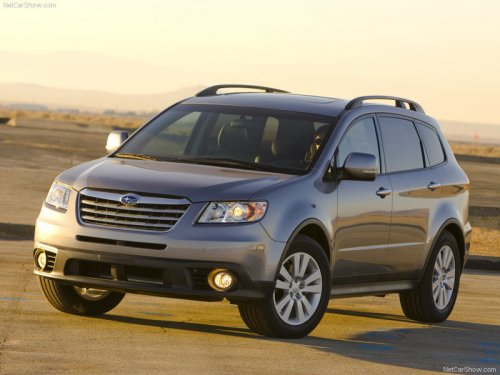
Subaru Tribeca
Subaru Tribeca
See also:
Cruise control
Cruise control enables you to maintain a constant vehicle speed without holding your foot on the accelerator pedal and it is operative when the vehicle speed is 25 mph (40 km/h) or more.
Do not u ...
If the passenger’s frontal airbag OFF indicator illuminates and the ON
indicator turns off even when the front passenger’s seat is occupied by an adult
This can be caused by the adult incorrectly
sitting in the front passenger’s seat.
Turn the ignition switch to the “LOCK”
position. Ask the front passenger to set
the seatback to the upright po ...
Forester in the Market
The previous Forester was a Cars.com Best Bet on the strength of its
versatility, reliability and safety credentials, but I've always had to footnote
my recommendation of it with a warning about i ...