


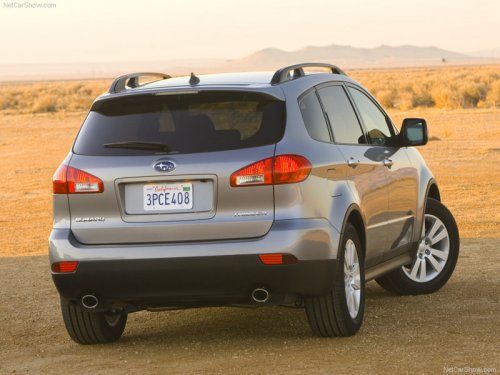
Subaru Tribeca
Subaru Tribeca
See also:
Loading your vehicle
- Never allow passengers to ride
on a folded rear seatback or in
the cargo area. Doing so may
result in serious injury.
- Never stack luggage or other
cargo higher than the top of the
s ...
Driving tips
- On a road surface where there is a risk
of wheelspin (for example, a snow- or
gravel-covered road), you can pull away
from a standstill (safely and easily) by first
selecting the 2nd gear of ...
Accessory power outlets
Power outlet below the climate control dials
Power outlet in the center console (except STI)
Power outlet in the center console (STI)
Accessory power outlets are provided below the climate control ...