


Up and Done buttons
Subaru Impreza / Subaru Impreza Owners Manual / Audio / Audio control buttons (if equipped) / Up and Done buttons
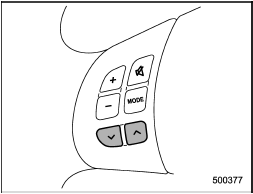
Models without Hands-free system
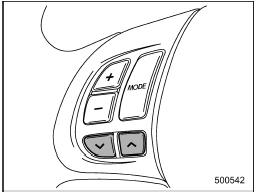
Models with Hands-free system
See also:
Braking when a tire is punctured
Do not depress the brake pedal suddenly when a tire is punctured. This could cause a loss of control of the vehicle. Keep driving straight ahead while gradually reducing speed. Then slowly pull off th ...
Behavior with key lock-in prevention function operational
With the driver’s door open, the doors are automatically kept unlocked even if
the front side of the power door locking switch is pressed. ...
Checking the fluid level
WARNING
Be careful not to burn yourself because the fluid may be hot.
CAUTION
● When power steering fluid is being added, use only clean fluid, and be careful
not to allow any dirt into t ...