


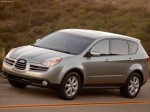
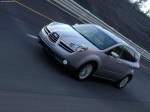
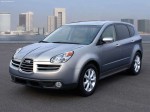
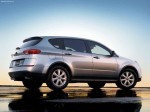
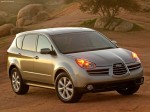
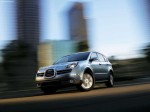
Subaru B9 Tribeca (2006)
Subaru Tribeca / Gallery / Subaru B9 Tribeca (2006)
|
|
|
|
|
|
See also:
Checking air conditioning system before summer season
Check the air conditioner unit for refrigerant leaks, hose conditions, and proper
operation each spring. Have the air conditioning system checked by your SUBARU dealer. ...
How to jump start
1. Make sure the booster battery is 12 volts and the negative terminal is grounded.
2. If the booster battery is in another vehicle, do not let the two vehicles
touch.
3. Turn off all unnecessary ...
Replacing bulbs
Bulbs may become very hot while
illuminated. Before replacing bulbs,
turn off the lights and wait until the
bulbs cool down. Otherwise, there is
a risk of sustaining a burn injury.
Re ...