


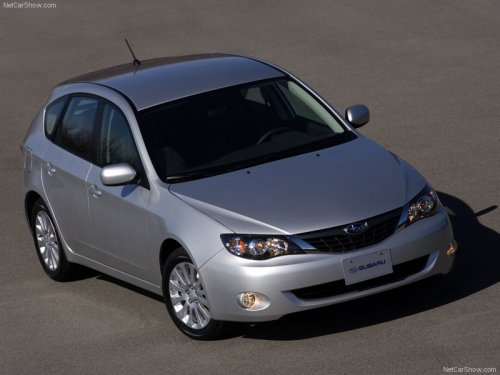
Subaru Impreza
Subaru Impreza
See also:
To open the trunk lid from inside
Pull the trunk lid release lever upward. ...
Unfastening the rear center seatbelt
Push the release button of the center seatbelt buckle (on the left-hand side)
to unfasten the seatbelt.
1. Insert a key or other hard pointed object into the slot in the connector (buckle)
...
When connecting iPod®
Each time you briefly press the “RPT/ RDM” button, the mode changes in the following sequence.
NOTE
• The “ALL RPT” indication refers to the repeat playback of all indexes in the entire iPod®.
...