


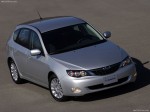
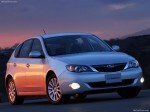
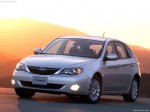
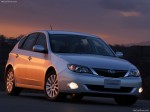
Subaru Impreza 5-Door (2008)
Subaru Impreza / Gallery / Subaru Impreza 5-Door (2008)
|
|

|
|

|
|
See also:
Programming rolling-code-protected garage door openers in the U.S.A.
If your garage door opener has a rolling code feature, program the HomeLink® Wireless Control System for it by following steps 1 through 5 in “Garage door opener programming in the U.S.A.”. Then conti ...
Tone and balance control
Type A and B audio
Type C audio
Each brief press of the sound control dial changes the control modes in the following sequence.
Choose the desired level for each mode by turning the sound control ...
Tire labeling
Many markings (e.g. Tire size, Tire Identification Number or TIN) are placed on the sidewall of a tire by tire manufacturers. These markings can provide you with useful information on the tire. ...