


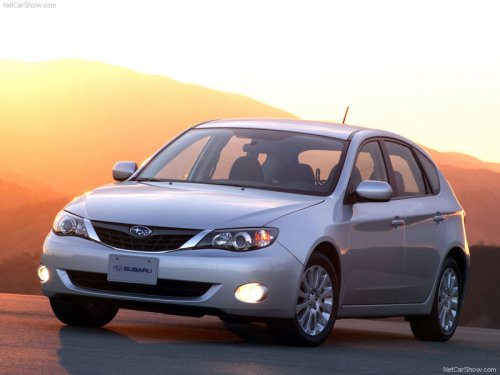
Subaru Impreza
Subaru Impreza
See also:
Displaying radio PS (Program Service Name) and RT (Radio Text)
...
Installing child restraint systems with A/ELR
seatbelt
- Child restraint systems and seatbelts
can become hot in a vehicle
that has been closed up in sunny
weather; they could burn a small
child. Check the child restraint
system before you p ...
Pulling off the fender lining
It is necessary to pull off the fender lining when replacing some bulbs.
1. Start the engine and turn the steering wheel fully in the opposite direction
of the bulb to be replaced.
2. Stop the eng ...