


Vehicle Dynamics Control mode switch (STI)
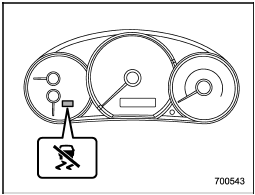
Indicator light
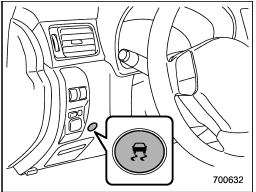
Vehicle Dynamics Control mode switch
When the switch is pressed briefly or for more than approximately 3 seconds during engine operation, the mode of the Vehicle Dynamics Control System will be changed.
See also:
For U.S.A
The following information has been compiled according to Code of Federal Regulations
“Title 49, Part 575”. ...
Compass calibration
1. If a “C” is displayed in the compass window, the compass needs to be calibrated.
2. Drive the vehicle in a circle at 5 mph (8 km/h) or less until the display reads
a direction.
3. You can also ...
Cooling and dehumidifying in high humidity and low temperature weather condition
Under certain weather conditions (high relative humidity, low temperatures, etc.)
a small amount of water vapor emission from the air outlets may be noticed. This
condition is normal and does not ...