


Type A audio set (if equipped)
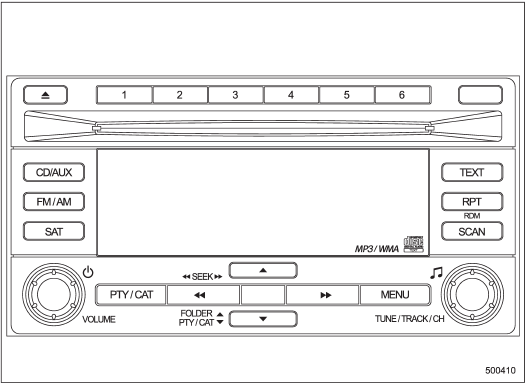
Type A audio set (if equipped)
The audio set will operate only when the ignition switch is in the “Acc” or “ON” position.
• Power and sound controls
• Radio operation
• Satellite radio operation (if equipped)
• CD (compact disc) player operation
• Auxiliary input jack
See also:
Foreword
Congratulations on choosing a SUBARU vehicle. This Owner’s Manual has all the information necessary to keep your SUBARU in excellent condition and to properly maintain the emission control system for ...
Folder selection
Press the “” side of the “FOLDER”
button briefly to select the next folder.
Press the “” side of the button briefly
to go back to the previous folder.
NOTE
● Selecting folders in this w ...
If steam is coming from the engine compartment
Turn off the engine and get everyone away from the vehicle until it cools down. ...