


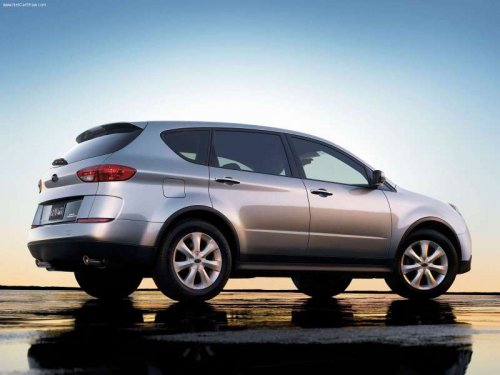
Subaru Tribeca
Subaru Tribeca
See also:
ABS system self-check
Just after the vehicle is started, you may feel on the brake pedal a vibration similar to when the ABS operates, and you may also hear the sound of the ABS working from the engine compartment. This is ...
Cup holder
CAUTION
● Do not pick up a cup from the cup holder or put a cup in the holder while you
are driving, as this may distract you and lead to an accident.
● Take care to avoid spills. Beve ...
Audio set
Your SUBARU may be equipped with one of the following audio sets. See the pages
indicated in this section for operating details.
NOTE
If a cell phone is placed near the audio set, it may cause the ...