


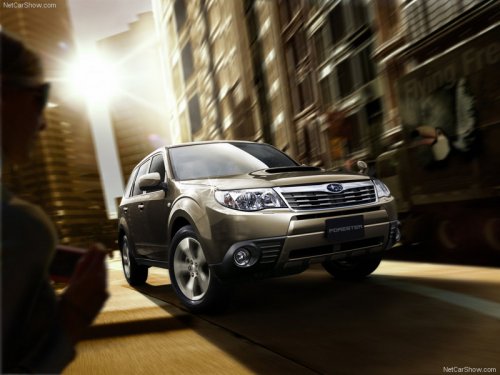
Subaru Forester
Subaru Forester
See also:
Examples of the types of accidents in which the SRS curtain airbag is unlikely
to deploy.
Legacy models
1) The vehicle is involved in an oblique side-on impact.
2) The vehicle is involved in a side-on impact in an area outside the vicinity of
the passenger compartment.
3) The vehicl ...
When CD is in the player (type A)/ When playing back all CDs in the player (type
B)
When the “CD/AUX” button is pressed, the player will start playback. ...
Defroster button
To defrost or dehumidify the windshield
and front door windows, press the defroster button “”.
When the “” button is pressed, the
air conditioner compressor automatically operates to quickly ...