


Type A audio set (if equipped)
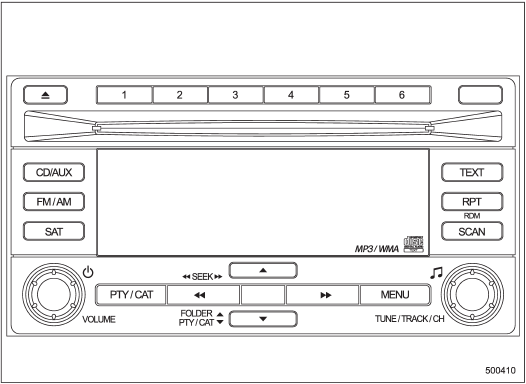
Type A audio set (if equipped)
The audio set will operate only when the ignition switch is in the “Acc” or “ON” position.
• Power and sound controls
• Radio operation
• Satellite radio operation (if equipped)
• CD (compact disc) player operation
• Auxiliary input jack
See also:
Cleaning the interior
Use a soft, damp cloth to clean the climate
control panel, audio equipment, instrument
panel, center console, combination
meter panel, and switches. (Do not use
organic solvents.) ...
Parking tips
When parking your vehicle, always perform
the following procedure.
- Apply the parking brake firmly.
- For MT models, put the shift lever in
the “1” (1st) position when on an upgrade
or the “R ...
Refrigerant for your climate control system
Your air conditioner uses ozone friendly
refrigerant HFC134a. Therefore, the method
of adding, changing or checking the
refrigerant is different from the method for
CFC12 (freon). Consult your ...