


AT models
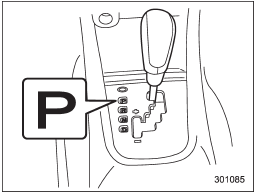
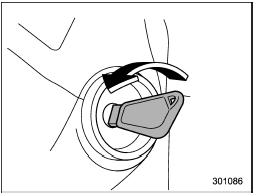
The key can be turned from “Acc” to “LOCK” only when the select lever is in the “P” position.
See also:
Manual tuning
Turn the “TUNE/TRACK/CH” dial clockwise to increase the tuning frequency and
turn the “TUNE/TRACK/CH” dial counterclockwise to decrease it.
Each time the dial is turned, the frequency interval ca ...
Odometer
This meter displays the odometer when the ignition switch is in the “ON” position.
The odometer shows the total distance that the vehicle has been driven.
If you press the trip knob when the igni ...
Side mirrors
After hitching a trailer to your vehicle, check that the standard side mirrors
provide a good rearward field of view without significant blind spots. If significant
blind spots occur with the ve ...