


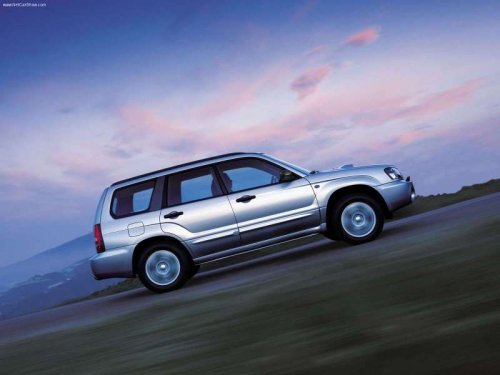
Subaru Forester
Subaru Forester
See also:
Changing a flat tire
WARNING
● Do not jack up the vehicle on an incline or a loose road surface. The jack
can come out of the jacking point or sink into the ground and this can result in
a serious accident.
&# ...
Preparation for using the Handsfree system
Before using the Hands-free system, it is
necessary to register a cell phone in the
system. Perform the following procedure
to register a cell phone.
1. Press the OFF hook switch .
2. Select “ ...
Warranties for U.S.A.
All SUBARU vehicles distributed by
Subaru of America, Inc. and sold at retail
by an authorized SUBARU dealer in the
United States come with the following
warranties:
- SUBARU Limited Warranty ...