


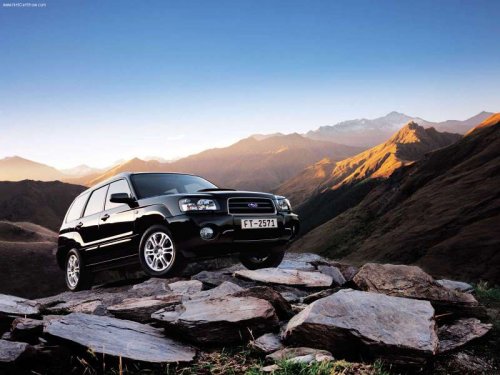
Subaru Forester
Subaru Forester
See also:
Channel scan
If you press the “SCAN” button while the radio is in the category search mode,
the radio turns to the category SCAN mode. In the category SCAN mode, the radio
scans only channels in the selected ...
Displaying satellite radio ID of tuner
When you activate satellite radio, you should have your satellite radio tuner ID ready because each tuner is identified by its unique satellite radio tuner ID.
The satellite radio ID will be needed w ...
Coin tray (if equipped)
Coin tray (if equipped)
A coin tray is built in the center console. ...