


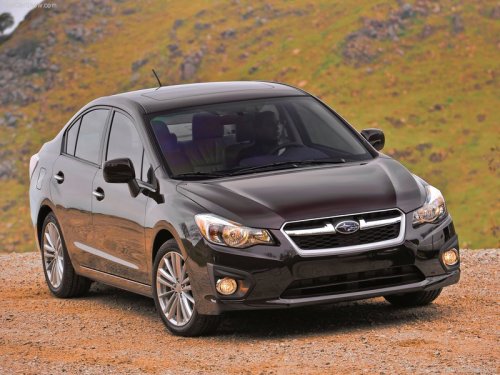
Subaru Impreza
Subaru Impreza
See also:
Selecting picture
1. Select the “Picture Select” menu by
operating the “TUNE/TRACK/CH” dial. For
details, refer to “Audio settings (type D
audio)”. If no pictures are saved,
“No Data” is displayed. Press the
...
Play file
Refer to “Play file”.
NOTE
• Copyright protected MP3/WMA/AAC files will not be played by the system.
The player will automatically skip to the next file (track).
• WMA9 Lossless, WMA9 Professional ...
Seek in PTY (Program type) group
Type A and B audio
Type C audio
In the PTY selection mode, when the desired PTY group has been selected, pressing the “SEEK” button “” or “” seeks within that PTY group.
Pressing “” seeks up. Press ...