


AM selection
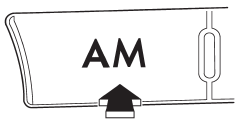
Press the “AM” button when the radio is on to select AM reception.
See also:
Disarming the system
To disarm the system, briefly press the “” button on the transmitter. ...
PTY (Program type) group tuning only FM reception)
Press the indicated button to change to
the PTY selection mode. At this time, the
PTY group that you are currently listening
to (type A, B and C audio)/that you
selected the last time (type ...
Folder selection
Select a folder in the same way a folder is
selected when a CD is played. Refer to
“Folder selection”. ...