


Ejecting a CD from the player
Of the discs loaded, you can select and remove only one disc.
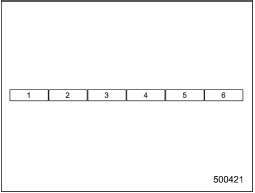
Disc select buttons
1. Use the disc select button to select the disc to be ejected.
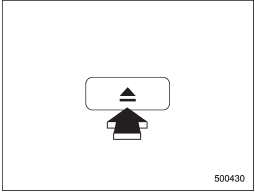
2. Briefly press the “ ” button.
The selected disc will be ejected. The disc number indicator will flash at this time.
” button.
The selected disc will be ejected. The disc number indicator will flash at this time.
When you remove the ejected disc, the disc number indicator will turn off.
To remove more discs in succession, repeat steps 1 and 2.
See also:
Construction
The generic name of each cord material used in the plies (both sidewall and tread area) of this tire.
For example, “PLIES: TREAD 2 STEEL + 2 POLYESTER SIDEWALL 2 POLYESTER” ...
Sirius satellite radio
Sirius satellite radio is a recent innovation that allows the listener to experience digital sound quality and to have a greater variety of channels.
Use of satellite radio (Sirius) requires a tuner, ...
Moonroof – if moonroof cannot be closed
If the moonroof cannot be closed with the moonroof switch, you can close the moonroof manually.
1. Take out the hex-head wrench and screwdriver from the tool bag.
2. Remove the spotlight lens by p ...