


When CD is in the player (type A)
Subaru Impreza / Subaru Impreza Owners Manual / Audio / CD player operation / How to play back a CD / When CD is in the player (type A)
When CD is in the player (type A)
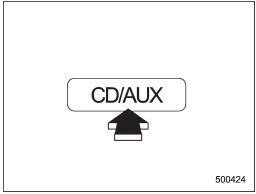
When the “CD/AUX” button is pressed, the player will start playback.
See also:
Front passenger’s SRS frontal airbag
The front passenger’s SRS frontal airbag
uses a dual stage inflator. The inflator
operates in different ways depending on
the severity of impact.
The total load on the seat is monitored by
th ...
Warning and indicator lights
...
Page scroll
If the registered name or phone number has more than 12 characters, press the
“TEXT” button for more than 1.5 seconds to scroll the name or phone number. ...