


Station preset
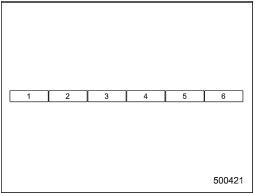
Preset buttons (type A and B audio)
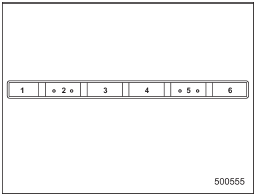
Preset buttons (type C audio)
See also:
Certification for the Hands-free system
NOTE
● This device complies with Part 15 of the FCC Rules and with RSS-Gen of IC Rules.
Operation is subject to the following two conditions: (1) This device may not cause
harmful interfere ...
Security indicator light
Type A
Type B
The security indicator light deters potential
thieves by indicating that the vehicle is
equipped with an immobilizer system. It
begins flashing in the following ways. ...
Warranties and maintenance
SUBARU warranties do not apply to
vehicle damage or malfunction caused
by trailer towing. If you use your vehicle to
tow a trailer, more frequent maintenance
will be required due to the additi ...