


Safety symbol
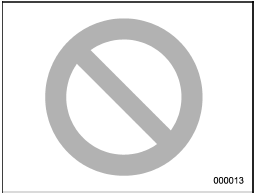
You will find a circle with a slash through it in this manual. This symbol means “Do not”, “Do not do this”, or “Do not let this happen”, depending upon the context.
See also:
Unfastening the rear seatbelts seatbelt
Push the button on the buckle.
Before closing the door, make sure that the belts are retracted properly to avoid
catching the belt webbing in the door. ...
Operation during cold weather
Carry some emergency equipment, such as a window scraper, a bag of sand, flares,
a small shovel and jumper cables. Check the battery and cables. Cold temperatures
reduce battery capacity. The ba ...
Driver’s side power window switches
Driver’s side power window switches
1) Lock switch
2) For driver’s window
3) For front passenger’s window
4) For rear left window
5) For rear right window
All door windows can be controlle ...