


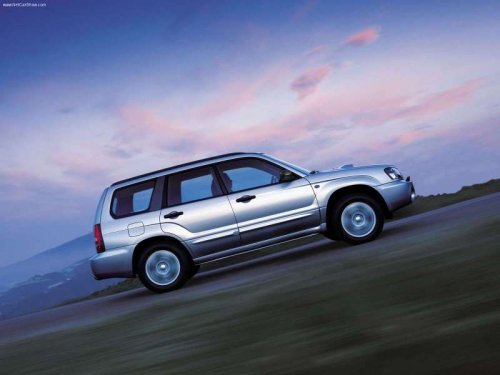
Subaru Forester
Subaru Forester
See also:
Defroster button
To defrost or dehumidify the windshield
and front door windows, press the defroster button “”.
When the “” button is pressed, the
air conditioner compressor automatically operates to quickly ...
Temperature sensors
Temperature sensors
1) Interior air temperature sensor
2) Solar sensor
The automatic climate control system
employs several sensors. These sensors
are delicate. If they are not treated
pro ...
Front fog light (if equipped)
NOTE
It may be difficult to replace the bulbs. We recommend that you have the bulbs
replaced by your SUBARU dealer if necessary.
1. Pull off the fender lining. Refer to “Pulling off the fender lin ...