


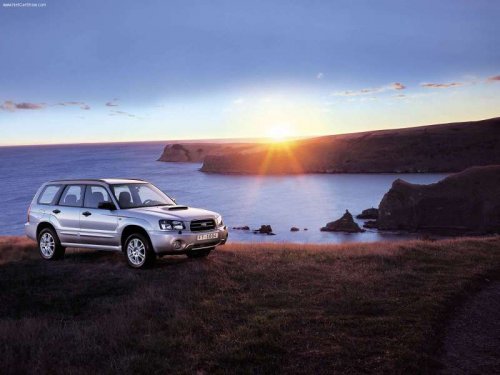
Subaru Forester
Subaru Forester
See also:
Type B
Although this climate control system can
be used as a full-automatic climate control
system, it can also, if desired, be used as
a semi-automatic climate control system.
When it is used as a fu ...
Driver’s side power window switches
1) Lock switch
2) For driver’s window
3) For front passenger’s window
4) For rear left passenger’s window
5) For rear right passenger’s window
All door windows can be controlled by the power wi ...
Registering by phone
1. Select the “PHONE BOOK” menu.
2. Select the “ADD ENTRY” menu.
3. Select the “BY PHONE” menu.
4. Select the “CONFIRM” menu. Then “TRANSFER” is displayed.
5. Transfer the data from the cell phone ...