


Band selection
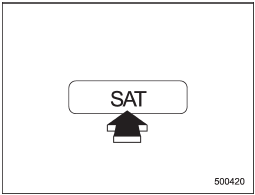
Type A and B audio
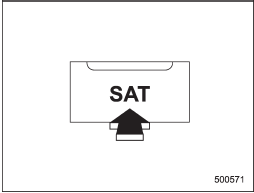
Type C audio
Push the “SAT” button when the radio is off to turn on the radio.
Push the “SAT” button when the radio is on to select SAT1, SAT2 or SAT3 reception.
See also:
Efficient cooling after parking in direct sunlight
After parking in direct sunlight, drive with the windows open for a few minutes to allow outside air to circulate into the heated interior. This results in quicker cooling by the air conditioner. Keep ...
Engine overheating
WARNING
Never attempt to remove the radiator cap until the engine has been shut off and
has fully cooled down. When the engine is hot, the coolant is under pressure. Removing
the cap while the en ...
Registering speed dial
1. After registering phonebook data, select the “SPEED DIAL” menu.
Preset buttons
2. Press the preset button in which you want to register the phone number.
NOTE
If the number to be used is alread ...