


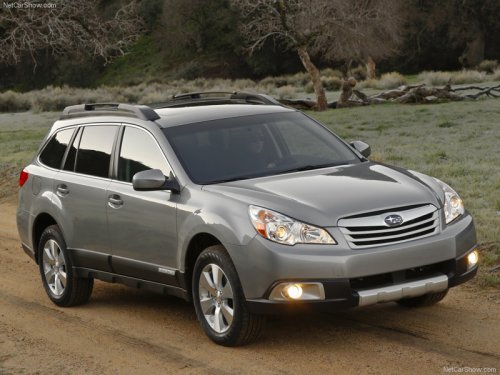
Subaru Outback
Subaru Outback
See also:
Storage compartment
CAUTION
● Always keep the storage compartment closed while driving to reduce the risk
of injury in the event of sudden stops or an accident.
● Do not store spray cans, containers with ...
Refueling in cold weather
To help prevent moisture from forming in the fuel system and the risk of its
freezing, use of an antifreeze additive in the fuel tank is recommended during cold
weather. Use only additives that ar ...
Front turn signal light
NOTE
It may be difficult to replace the bulbs. We recommend that you have the bulbs
replaced by your SUBARU dealer if necessary.
1. Turn over the protective cover of the engine compartment.
2 ...