


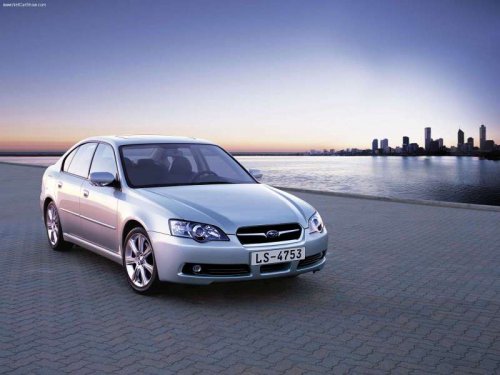
Subaru Legacy
Subaru Legacy
See also:
Revised 2.5-liter Boxer Engine with New 6-Speed Manual or CVT
The 2010 Subaru Legacy 2.5i models are powered by a revised 2.5-liter
4-cylinder Boxer engine, teamed for the first time to a new 6-speed manual
transmission or the available new Lineartronic™ CVT ...
Unfastening the rear center seatbelt
Push the release button of the center seatbelt buckle (on the left-hand side)
to unfasten the seatbelt.
1. Insert a key or other hard pointed object into the slot in the connector (buckle)
...
Satellite radio operation (if equipped)
To receive satellite radio, it is necessary to
install the SUBARU genuine satellite
receiver (optional equipment) and to enter
into a contract. For details, please contact
your SUBARU dealer. ...