


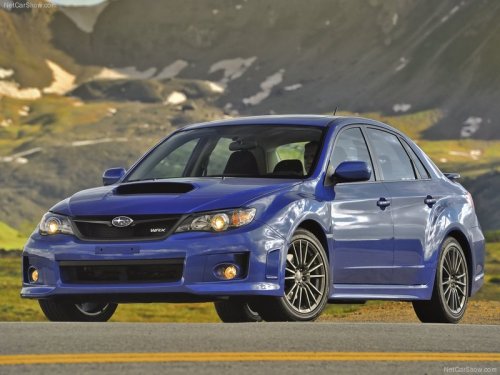
Subaru Impreza
Subaru Impreza
See also:
How to play back
1. Connect a USB storage device / iPod®.
2. Press the “CD/AUX” button. Each time you briefly press the button, the mode changes in the following sequence.
*: Only when a Media Hub is connected.
...
Fluids
*1: Use one of the indicated types of fluid.
*2: The indicated fluid quantity is only a guideline. The necessary quantity for
replacement may differ slightly depending on the temperature and othe ...
Random playback
To playback a track/file(s) at random,
press the following button (random button)
while the track/file is playing.
*1: For type A, B and C audio, press the button
for 0.5 second or longer.
* ...