


Vehicle Dynamics Control mode switch (STI)
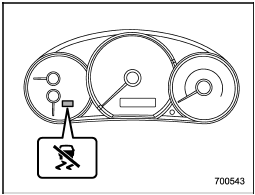
Indicator light
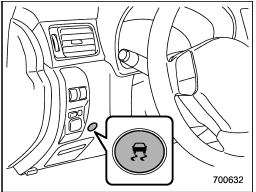
Vehicle Dynamics Control mode switch
When the switch is pressed briefly or for more than approximately 3 seconds during engine operation, the mode of the Vehicle Dynamics Control System will be changed.
See also:
Changing a flat tire
WARNING
● Do not jack up the vehicle on an incline or a loose road surface. The jack
can come out of the jacking point or sink into the ground and this can result in
a serious accident.
&# ...
Front fog light (if equipped)
NOTE
It may be difficult to replace the bulbs. We recommend that you have the bulbs
replaced by your SUBARU dealer if necessary.
1. Pull off the fender lining. Refer to “Pulling off the fender lin ...
Armrest
Armrest
To lower the armrest, pull on the top edge
of the armrest.
To avoid the possibility of serious
injury, passengers must never be
allowed to sit on the center armrest
while the v ...