


Ejecting all discs from the player (all disc ejection mode)
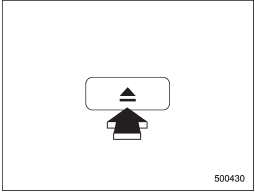
1. If you continue to press the “ ” button, the player will produce beep sound and will enter the all disc ejection mode. At this time, the disc number indicator and “ALL EJECT” indicator will flash.
2. Remove the disc that has been ejected. The other discs loaded will then be ejected one after another. If you do not remove the disc that has been ejected, the “All disc ejection mode” will be canceled.
NOTE
• Avoid driving the vehicle with a CD sticking out, because vibration might make it fall out.
• If you press the “” button
while the player is in all disc ejection mode, the mode will be cancelled following ejection of the disc that is currently being ejected.
• If you press the “CD/AUX” button or “LOAD” button while the player is in all disc ejection mode, the player will draw in the discs that have been ejected and play them.
See also:
Airflow control dial
Airflow control dial
Each dial position activates the following
air outlets.
AUTO: The airflow control is adjusted
automatically in accordance with the air
temperature inside and outside the ...
Windshield wipers
MIST : Mist (for a single wipe)
OFF : Off
INT: Intermittent
LO: Low speed
HI: High speed
To turn the wipers on, push the wiper control lever down.
To turn the wipers off, return the lever to t ...
Wheels and tyres
The standard wheel and tyre combination on the Subaru Outback is a 17-inch
alloy wheel with 225/60 R17 tyre.
STRUCTURE AND SAFETY
As well as 'new-look' styling, larger dimensions and new suspens ...