


Airflow selection
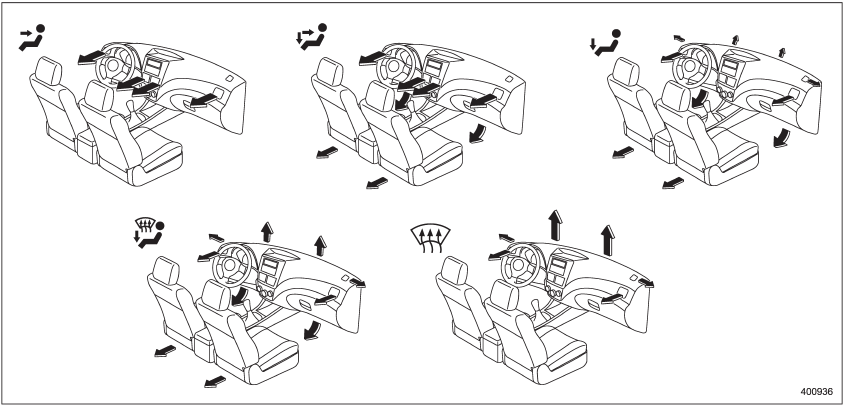
Airflow selection
See also:
Measuring and adjusting air pressure to achieve proper inflation
Check and, if necessary, adjust the
pressure of each tire (including the
spare) at least once a month and
before any long journey. Check the
tire pressures when the tires are
cold. Use a pre ...
To turn off the cruise control
There are two ways to turn off the cruise control:
• Push the “CRUISE” main switch button again.
• Turn the ignition switch to the “Acc” or “LOCK” position (but only when the vehicle is completely s ...
Passive arming
When passive arming mode has been programmed by the dealer, arming of the system
is automatically accomplished without using the remote transmitter. Note that in
this mode, DOORS MUST BE MANUALLY ...