


Safety symbol
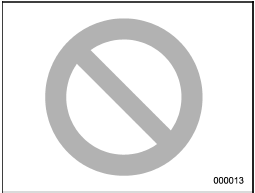
You will find a circle with a slash through it in this manual. This symbol means “Do not”, “Do not do this”, or “Do not let this happen”, depending upon the context.
See also:
Initialization of power window
If the vehicle’s battery is disconnected due to situations such as battery or
fuse replacement, the following functions are deactivated.
● One-touch auto up/down function
● Anti-entrap ...
Inside mirror
Inside mirror
The inside mirror has a day and night position. Pull the tab at the bottom of the mirror toward you for the night position.
Push it away for the day position. The night position reduce ...
Audio set
Your SUBARU may be equipped with one of the following audio sets. See the pages
indicated in this section for operating details.
NOTE
If a cell phone is placed near the audio set, it may cause the ...