


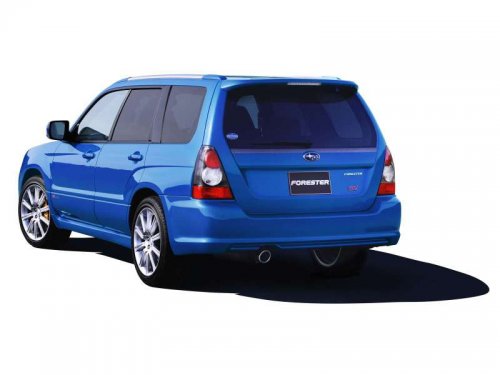
Subaru Forester
Subaru Forester
See also:
Connecting a trailer
1. Remove the receiver cover from the
hitch receiver tube. Then insert the ball
mount into the hitch receiver tube.
2. Insert the hitch pin into the hole on the
hitch receiver tube so that ...
Key number plate
The key number is stamped on the key number plate attached to the key set.
Write down the key number and keep it in another safe place, not in the vehicle. This number is needed to make a replacement ...