


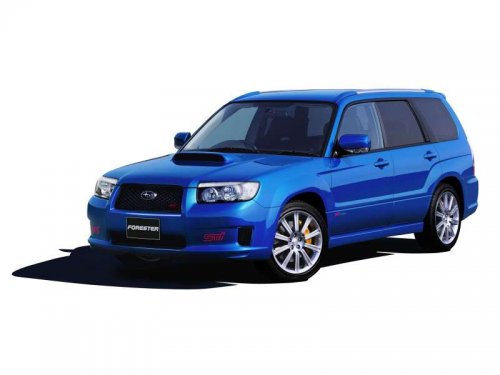
Subaru Forester
Subaru Forester
See also:
Gross Axle Weight (GAW) and Gross Axle Weight Rating
(GAWR)
Gross Axle Weight
The total weight applied to each axle
(GAW) must never exceed the Gross Axle
Weight Rating (GAWR). The front and rear
GAWs can be adjusted by relocating
passengers and l ...
Recommended fluid
Refer to “Fluids”.
NOTE
Using any non-specified type of automatic
transmission fluid could result in
damage inside the transmission. When
replacing the automatic transmission
fluid, be sure ...
Keys
1) Master key
2) Submaster key
3) Valet key
4) Key number plate
5) Security ID plate
Three types of keys are provided for your vehicle:
Master key, submaster key and valet key. The master key ...