


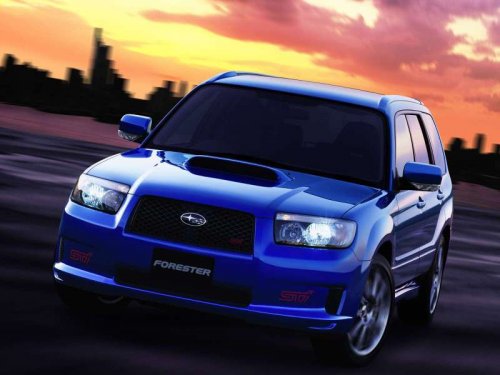
Subaru Forester
Subaru Forester
See also:
SRS airbag system servicing
- When discarding an airbag module
or scrapping the entire vehicle
damaged by a collision, consult
your SUBARU dealer.
- The SRS airbag has no userserviceable
parts. Do not use
electric ...
Opening the trunk lid (Legacy)
The trunk lid opens when the “” button
is pressed continuously for at least 2 seconds. An electronic chirp will sound twice
and the turn signal lights will flash twice. ...
HomeLink® Wireless Control System
The HomeLink® Wireless Control System
can be used to activate remote control
devices such as gate operators, garage
door openers, door locks, home lighting
and security systems.
There are t ...