


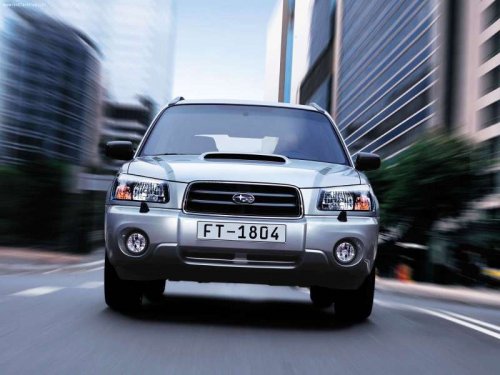
Subaru Forester
Subaru Forester
See also:
Immobilizer system
This light blinks approximately 60 seconds after the ignition switch is turned
from “ON” position to the “Acc” or “LOCK” position or immediately after the key
is pulled out. Refer to “Immobilizer” ...
Seatbelt and SRS airbag
WARNING
● All persons in the vehicle should fasten their seatbelts BEFORE the vehicle
starts to move. Otherwise, the possibility of serious injury becomes greater in
the event of a sudden s ...
While climbing a grade
When driving up a hill, undesired upshift to
4th gear is prevented from taking place
when the accelerator is released. This
minimizes the chance of subsequent
downshifting to a lower gear when ...