


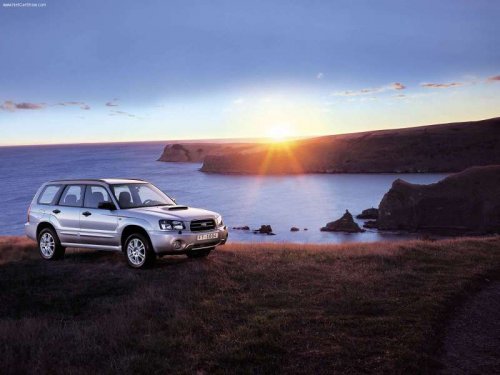
Subaru Forester
Subaru Forester
See also:
Tachometer
The tachometer shows the engine speed
in thousands of revolutions per minute.
Do not operate the engine with the
pointer of the tachometer in the red
zone. This may cause severe damage
to ...
Fuse panel located in the engine compartment
A) Main fuse
...
2.5 L turbo models
1) Power steering fluid reservoir (page 11-27)
2) Manual transmission oil level gauge (page 11-23)
3) Clutch fluid reservoir (page 11-29)
4) Brake fluid reservoir (page 11-28)
5) Fuse box (page ...