


UP and DOWN buttons
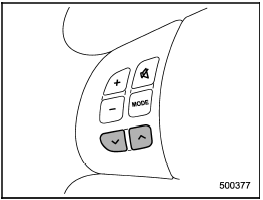
Models without Hands-free system
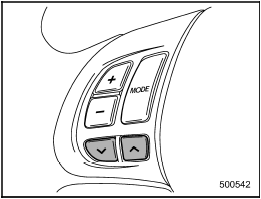
Models with Hands-free system
See also:
Passenger’s frontal airbag ON and OFF indicators
The front passenger’s frontal airbag ON and OFF indicators show you the status
of the front passenger’s SRS frontal airbag. The indicators are located next to
the clock in the center portion o ...
Lubricants
Engine oil
For the checking, adding and replacing procedure or other details, refer to “Engine
oil” F11-12.
NOTE
The procedure for changing the engine oil and oil filter should be performed
by ...
Fuel gauge
Turbo models
Non-turbo models
1) Low fuel warning light
The fuel gauge shows the approximate amount of fuel remaining in the tank.
When the ignition switch is in the “LOCK” or “Acc” position, the ...