


Seek tuning (SEEK)
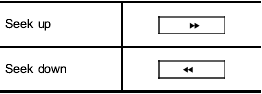
Type A and B audio:
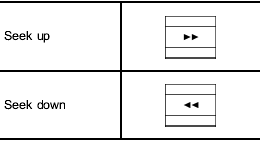
Type C audio:
Type D audio:
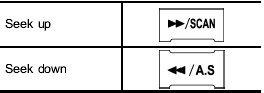
If you press the “ ” or “
 ”
button briefly,
the radio will automatically search for a
receivable station and stop at the first one
it finds. This function may not be available,
however, when radio signals are weak. In
such a situation, perform manual tuning to
select the desired station.
”
button briefly,
the radio will automatically search for a
receivable station and stop at the first one
it finds. This function may not be available,
however, when radio signals are weak. In
such a situation, perform manual tuning to
select the desired station.
See also:
Vehicle capacity weight
Vehicle capacity weight
The load capacity of your vehicle is
determined by weight, not by available
cargo space. The maximum load you can
carry in your vehicle is shown on the
vehicle ...
Inserting a disc in a desired position
1. Briefly press the button. If
the
magazine in the player has an idle
position where you can insert a disc, the
disc number indicator associated with the
idle position will blink.
The pos ...
Shopping bag hook
CAUTION
Do not hang items on the shopping bag hook that weigh 11 lbs (5 kg) or more. ...