


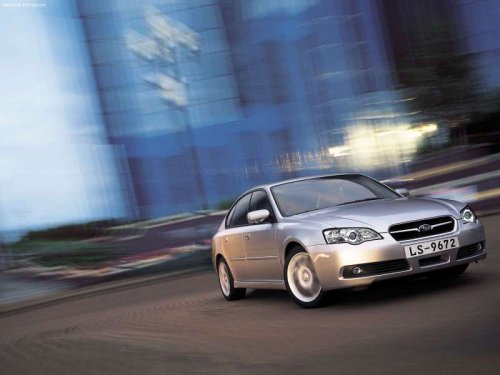
Subaru Legacy
Subaru Legacy
See also:
Adverse safety consequences of overloading on handling and stopping and on tires
Overloading could affect vehicle handling, stopping distance, vehicle and tire
as shown in the following. This could lead to an accident and possibly result in
severe personal injury.
● Veh ...
Air cleaner element
Do not operate the engine with the
air cleaner element removed. The air
cleaner element not only filters
intake air but also stops flames if
the engine backfires. If the air
cleaner elem ...
Synthetic oil
You should use synthetic engine oil that meets the same requirements given for
conventional engine oil. When using synthetic oil, you must use oil of the same
classification, viscosity and grade s ...