


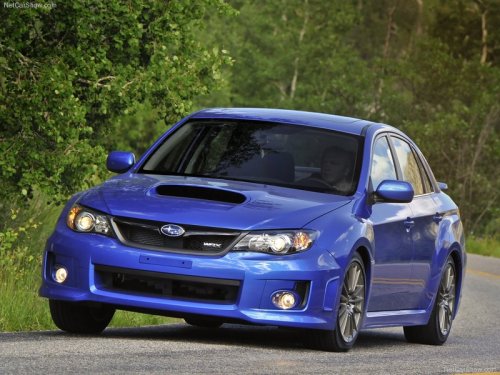
Subaru Impreza
Subaru Impreza
See also:
When “PUSH EJECT” is displayed
Press the eject button to unload the disc. Check the disc for damage or deformation,
and also check that the correct disc is inserted. Do not try to unload the disc
forcibly. Single CDs (i.e., 8 c ...
Defrosting or defogging the windshield
Defrosting or defogging the windshield
To direct warm air to the windshield and front door windows:
1. Set the airflow control dial to the “” position.
2. Turn the temperature control dial all the ...
Gross Vehicle Weight (GVW) and Gross Vehicle Weight Rating (GVWR)
Gross Vehicle Weight
The Gross Vehicle Weight (GVW) must never exceed the Gross Vehicle Weight Rating
(GVWR).
Gross Vehicle Weight (GVW) is the combined total of the weight of the vehicle,
dri ...