


Vehicle symbols
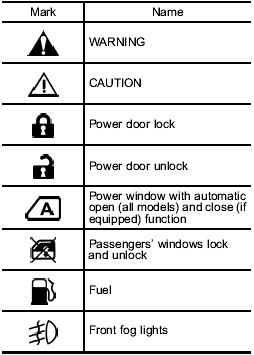
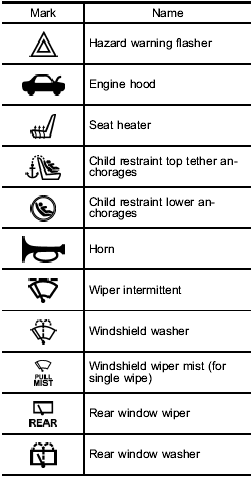
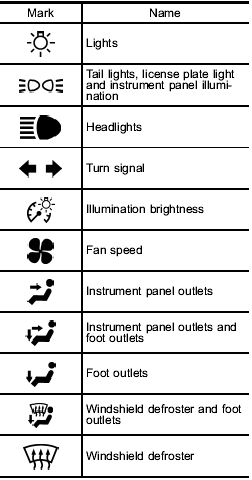
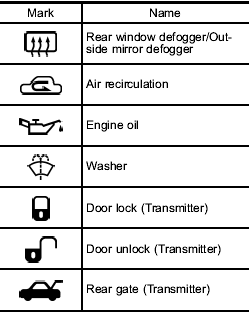
There are some of the symbols you may see on your vehicle.
For warning and indicator lights, refer to Warning and indicator lights”.
See also:
To use as full-automatic climate control system
Place the temperature control dial in the position for your desired temperature, then set the other dials and buttons as described in the following. The system’s functions will then switch to AUTO mod ...
To use as full-automatic climate control system
1. Place the temperature control dial in
the position for the preferred temperature.
2. Set the airflow control dial and fan
speed control dial in the “AUTO” position.
The system’s functions wil ...
Child safety locks
Each rear door has a child safety lock that prevents the door from being opened even if the inside door handle is pulled.
When the child safety lock lever is in the lock position, the door cannot b ...