


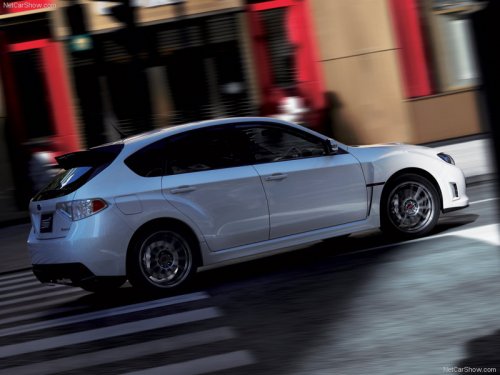
Subaru Impreza
Subaru Impreza
See also:
When “CHECK DISC” is displayed
Press the eject button to unload the discs. Check that the disc is not damaged
or scratched, and also check that the disc is inserted correctly. This message may
appear when using some CD-RW discs ...
Warning and indicator lights
Several of the warning and indicator lights
illuminate momentarily and then turn off
when the ignition switch is initially turned
to the “ON” position. This permits checking
the operation of t ...
INTERIOR
The first thing I noticed upon entering this car was the sporty-looking
black-checkered seat upholstery inset in a black suedelike border with sexy red
stitching. It reminded me of this awesome pa ...