


Up and Done buttons
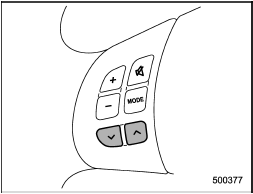
Models without Hands-free system
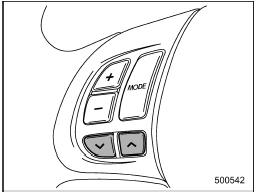
Models with Hands-free system
See also:
Rear view camera (if equipped)
Legacy
Outback
A rear view camera is attached to the trunk lid (Legacy) or rear gate (Outback).
When the ignition switch is “ON” and the shift lever (MT models) or select lever
(AT or CVT mo ...
Refueling in cold weather
To help prevent moisture from forming in the fuel system and the risk of its
freezing, use of an antifreeze additive in the fuel tank is recommended during cold
weather. Use only additives that ar ...
Certification for the Hands-free system
NOTE
● This device complies with Part 15 of the FCC Rules and with RSS-Gen of IC Rules.
Operation is subject to the following two conditions: (1) This device may not cause
harmful interfere ...