


Seek in PTY (Program type) group
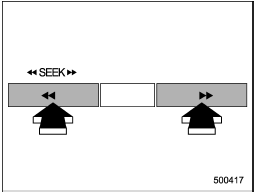
Type A and B audio
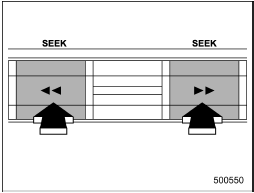
Type C audio
In the PTY selection mode, when the desired PTY group has been selected, pressing the “SEEK” button “ ” or “
 ” seeks within that PTY group.
Pressing “” seeks up. Pressing “” seeks down.
The control function returns to the normal mode after approximately 10 seconds.
See also:
When CD is in the player (type A)
When CD is in the player (type A)
When the “CD/AUX” button is pressed, the player will start playback. ...
Sirius satellite radio
Sirius satellite radio is a recent innovation that allows the listener to experience
digital sound quality and to have a greater variety of channels.
Use of satellite radio (Sirius) requires a tune ...
Electronic parking brake
1) Parking brake switch
2) Hill Holder switch
3) Indicator light
WARNING
● Before exiting the vehicle, make sure that you turn off the engine. Otherwise,
the parking brake may be release ...