


Vehicle symbols
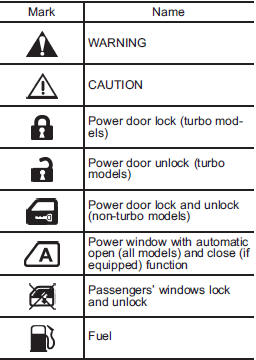
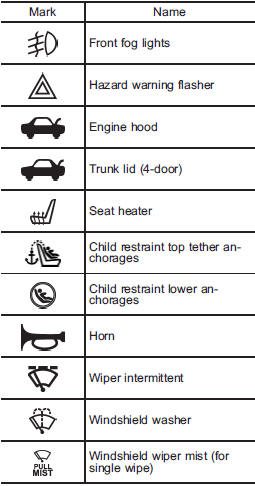
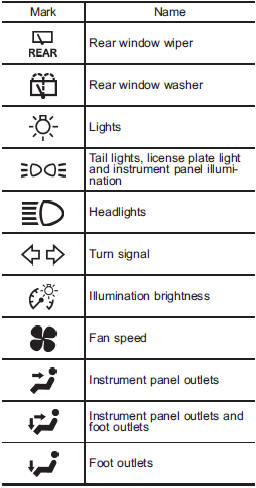
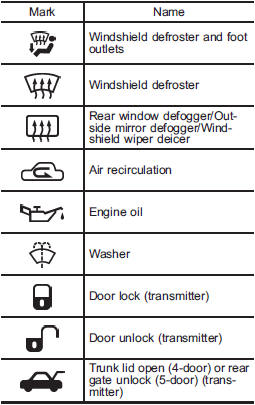
There are some of the symbols you may see on your vehicle.
For warning and indicator lights, refer to “Warning and indicator lights”.
See also:
Vehicle load limit – how to determine
The load capacity of your vehicle is
determined by weight, not by available
cargo space. The load limit of
your vehicle is shown on the
vehicle placard attached to the
driver’s side B-pillar ...
Braking when a tire is punctured
Do not depress the brake pedal suddenly when a tire is punctured. This could
cause a loss of control of the vehicle. Keep driving straight ahead while gradually
reducing speed. Then slowly pull of ...
Turn signal lever
To activate the right turn signal, push the turn signal lever up. To activate the left turn signal, push the turn signal lever down. When the turn is finished, the lever will return automatically. I ...